
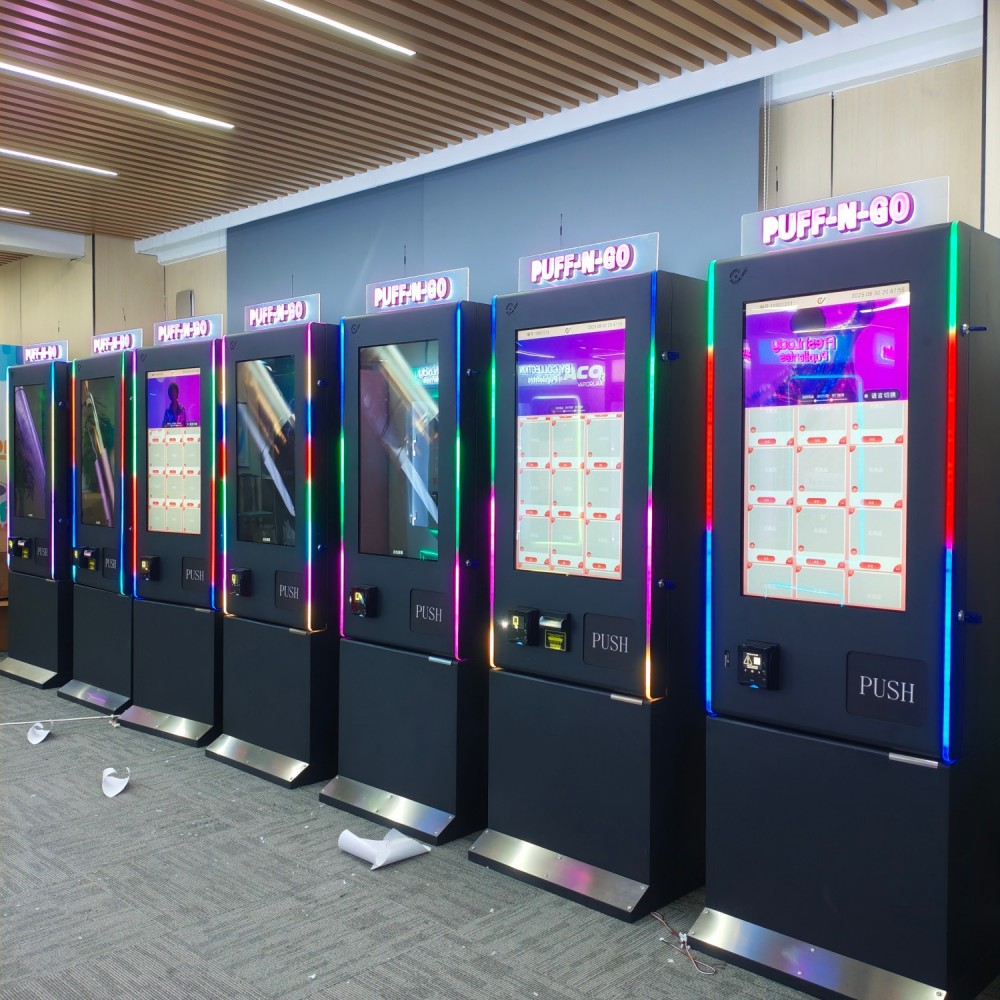
Factory-direct vending machines
Vending machines built to fit.
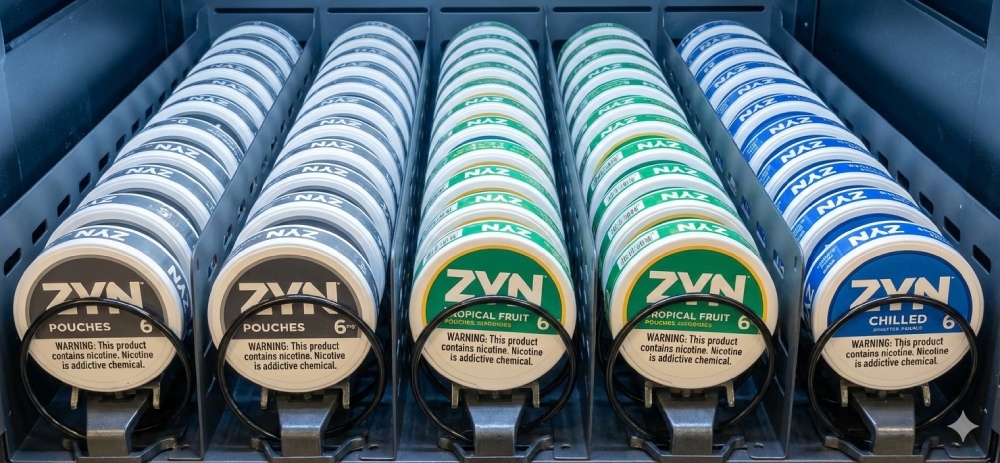
VapeVM manufactures and configures touchscreen vending machines for boxed vapes, nicotine pouch cans, trading cards and specialty retail. Start with the package and the space you have, then choose a cabinet and a setup that fit.
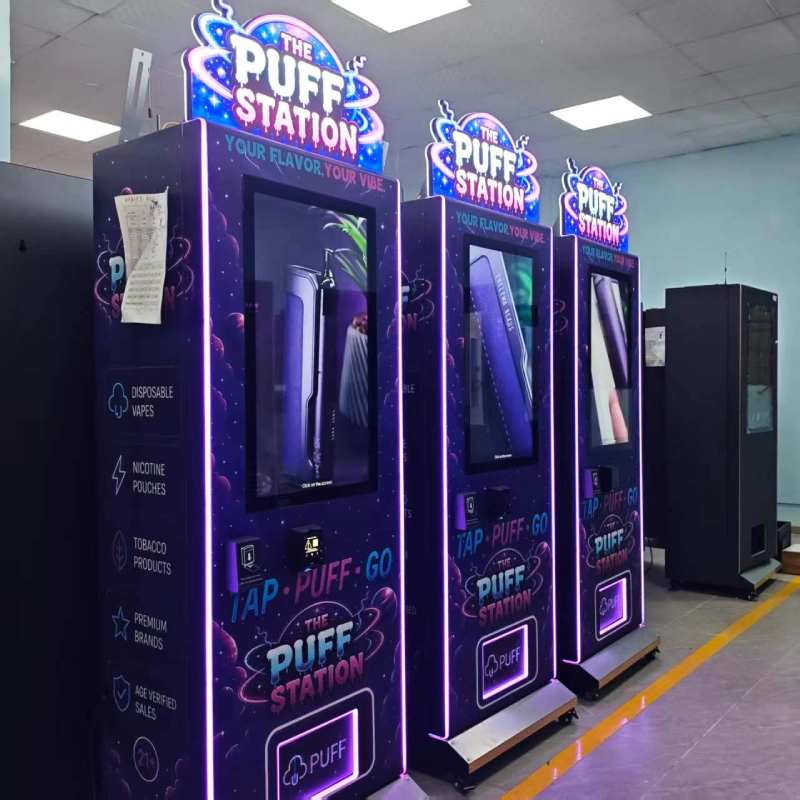
Machines by product
Start with what goes in the machine.
VapeVM Software
Run the machine after it ships.
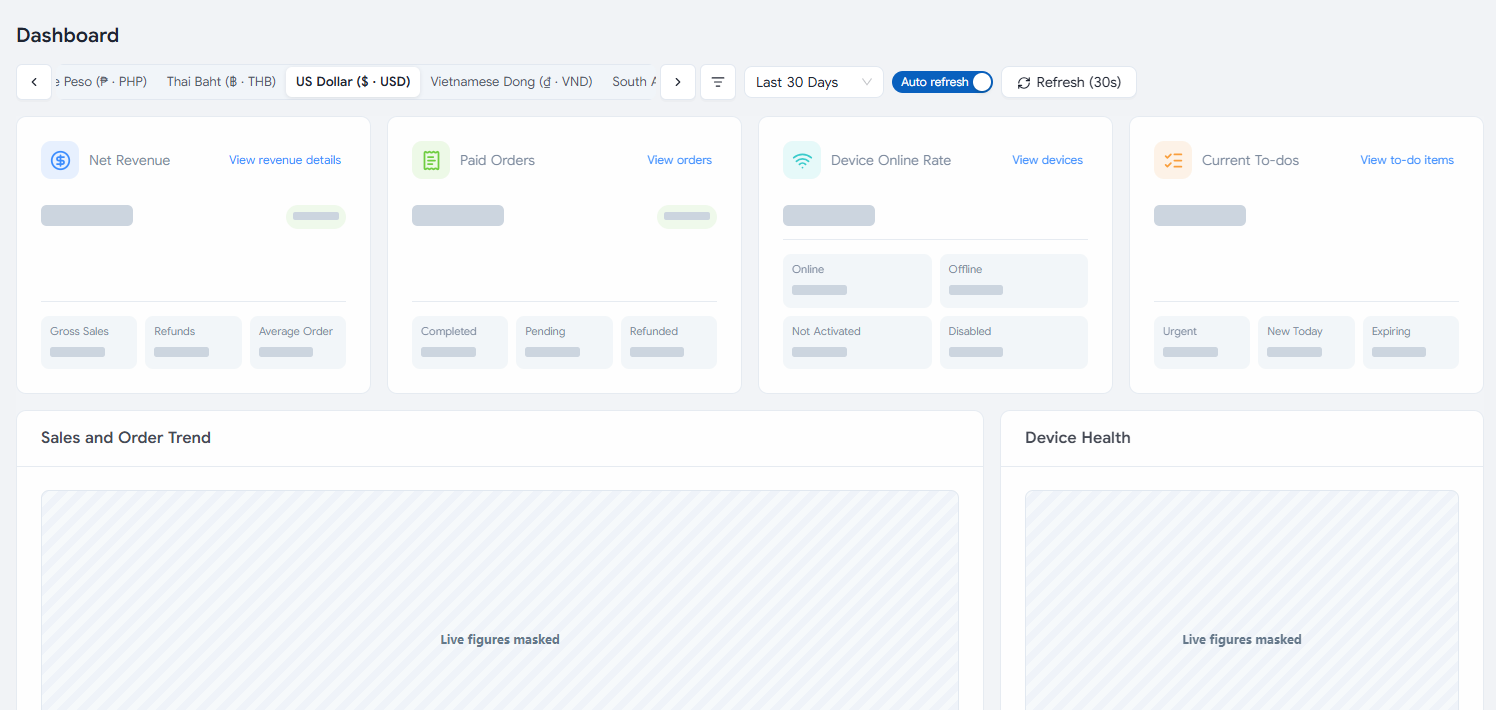
Check device status and location, monitor inventory and orders, and use remote controls or a remote vend where the machine configuration supports it. Set the customer-facing theme, logo, colors and product layout in the software.
ID-Scanner
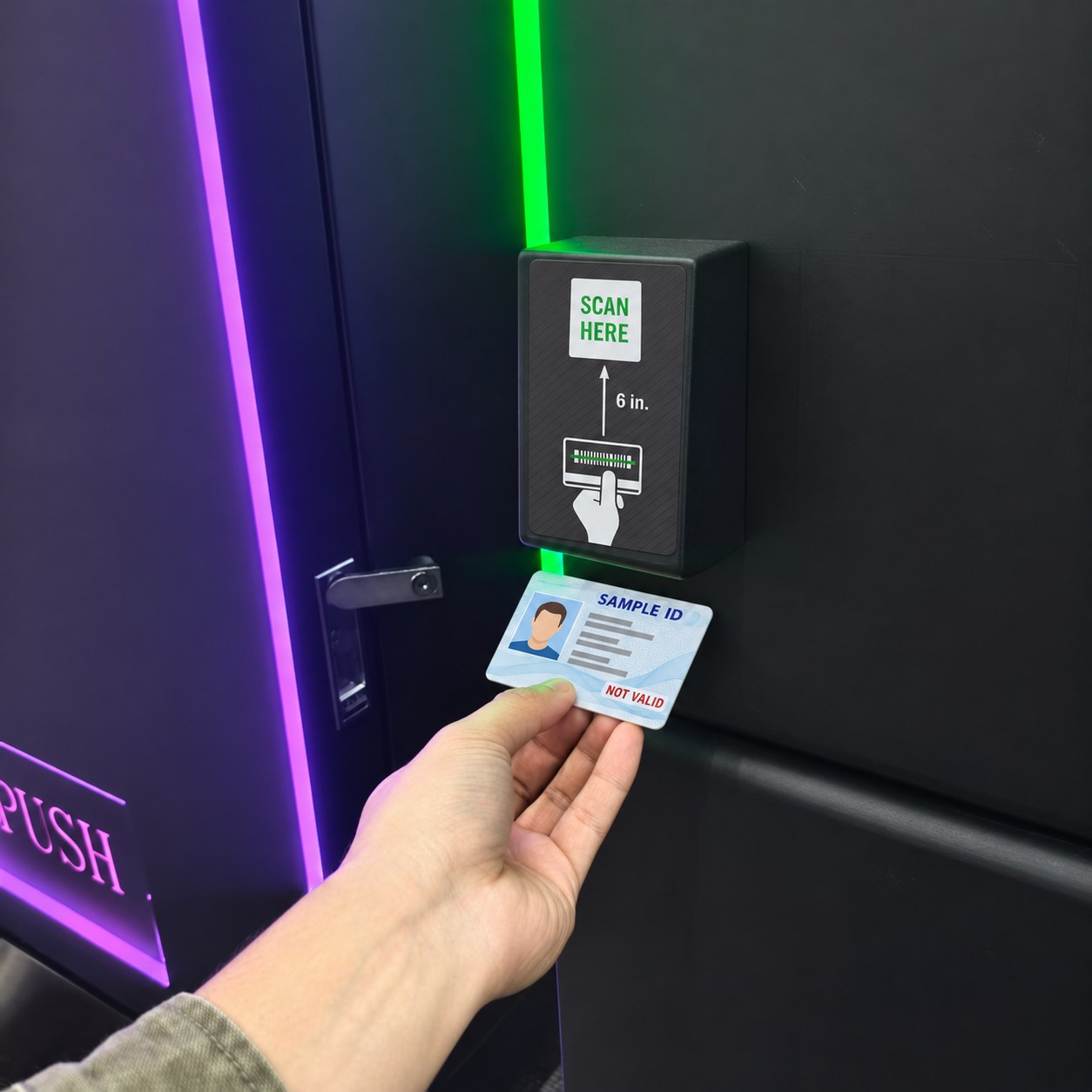
Configure minimum age and verification hours, and choose machine-wide or lane-level rules.
See how age verification works →
OEM & Custom Branding
Choose a cabinet wrap and align the touchscreen theme with the machine’s exterior.
Explore customization →Inside the VapeVM factory
See the machines on the floor.
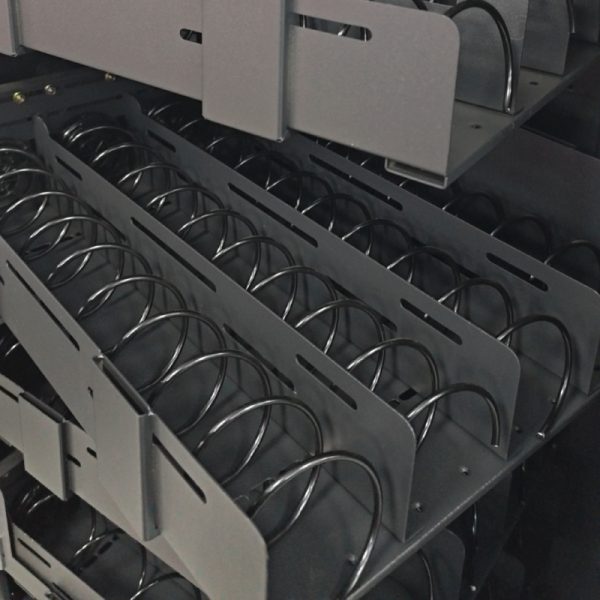
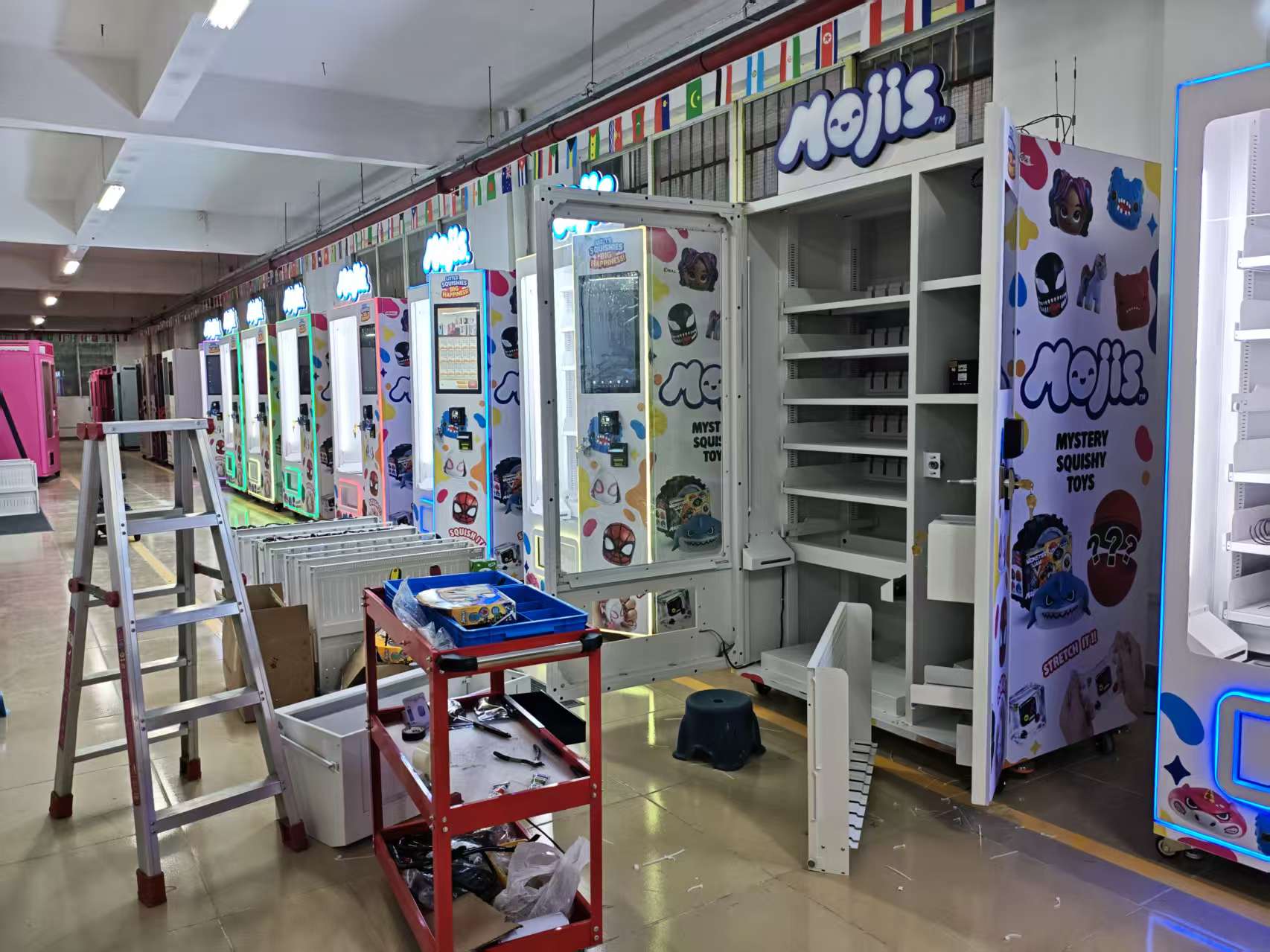
These photos show cabinets being assembled and worked on in our factory. Bring your pack size, planned assortment and installation space so we can discuss the tray, cabinet and payment setup together.
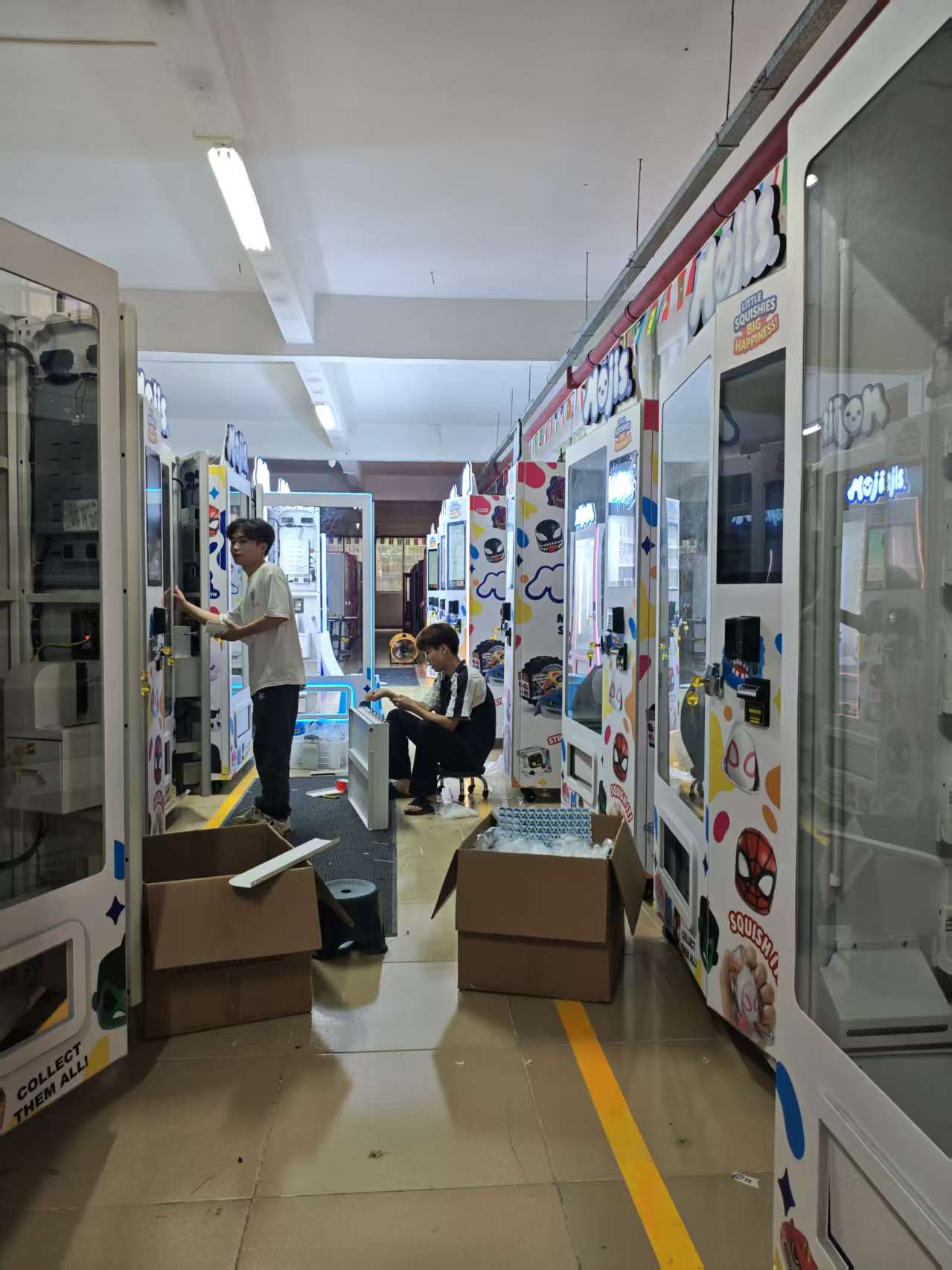
On the assembly floor
Cabinets, shelves and front panels are shown during assembly.
Trading card cabinets
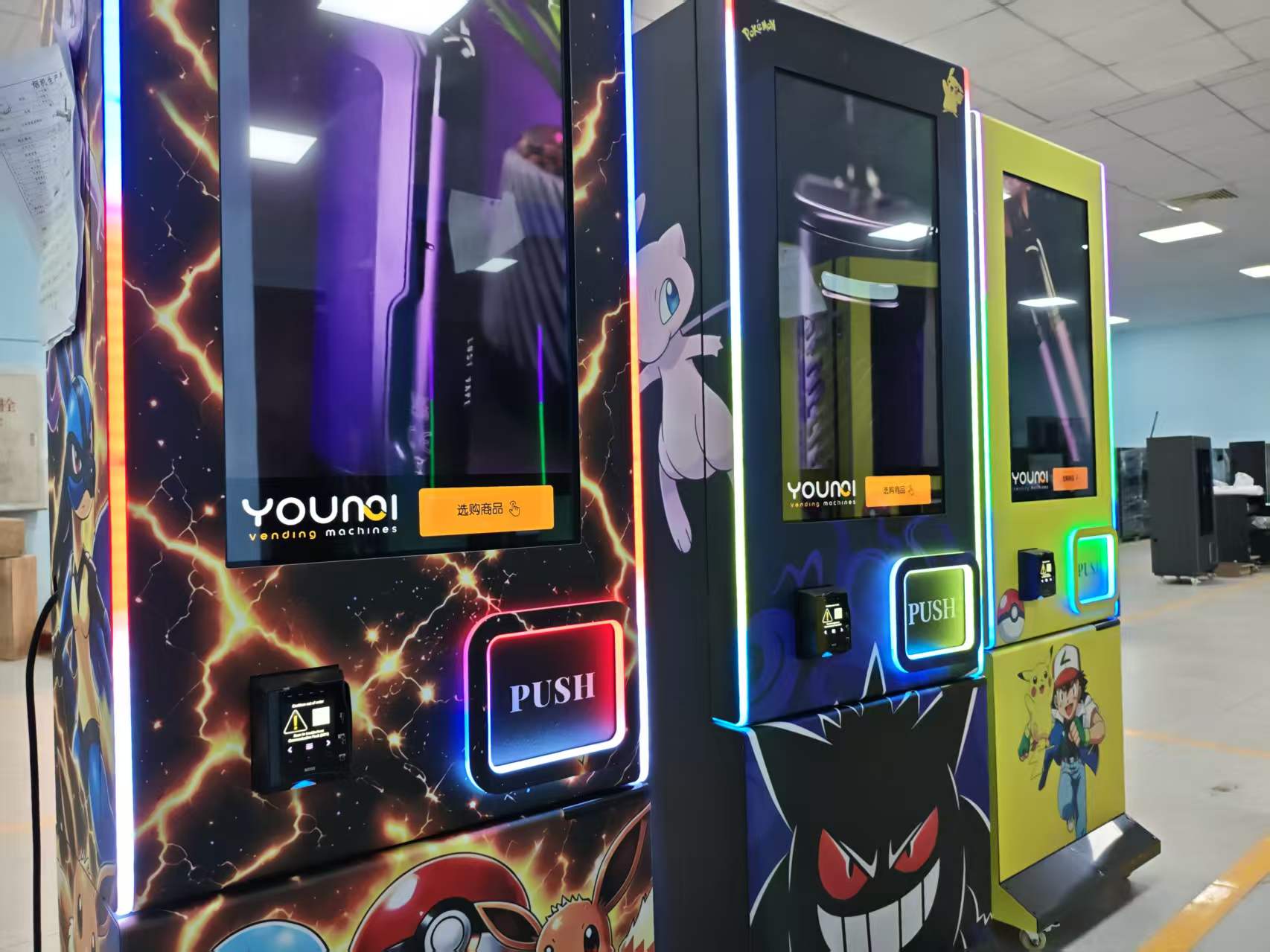
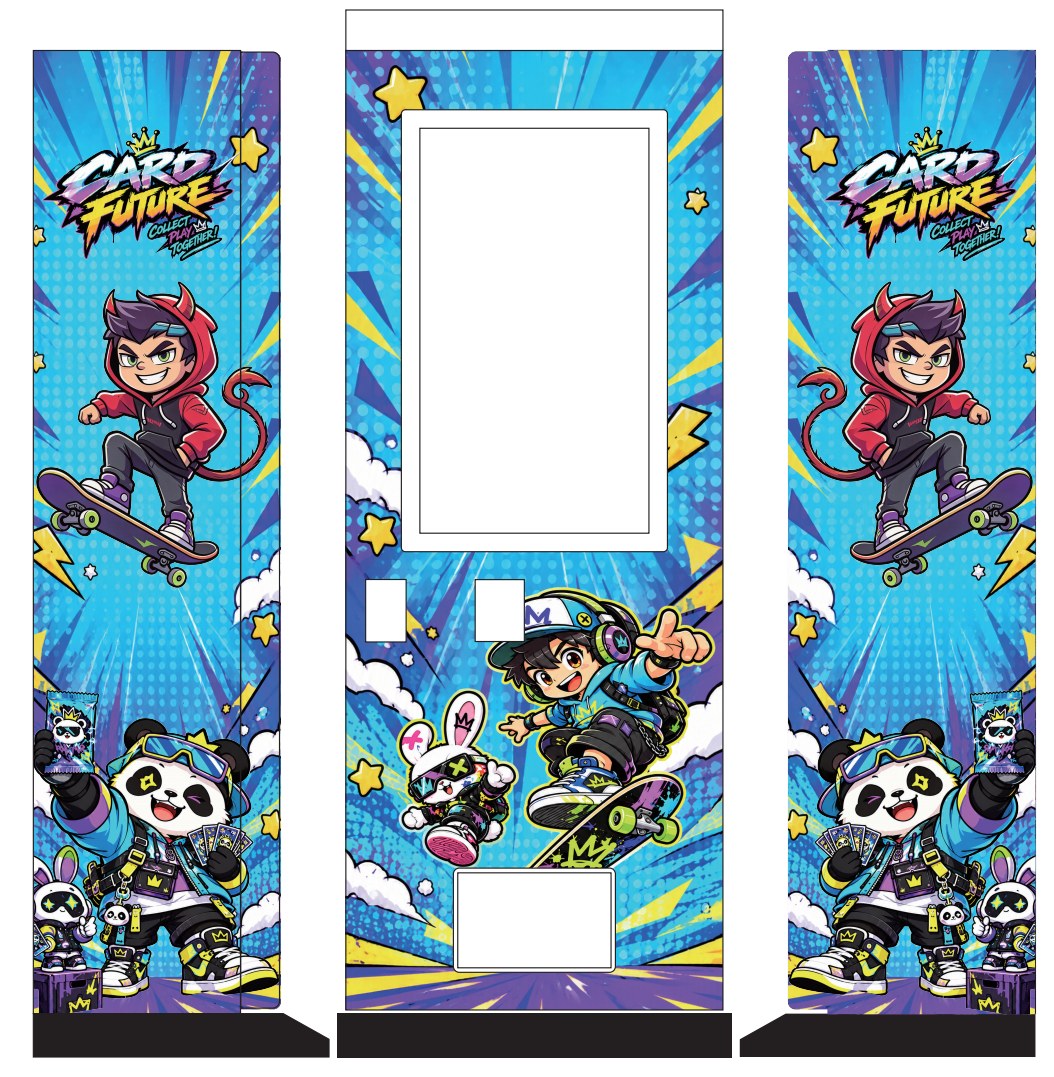
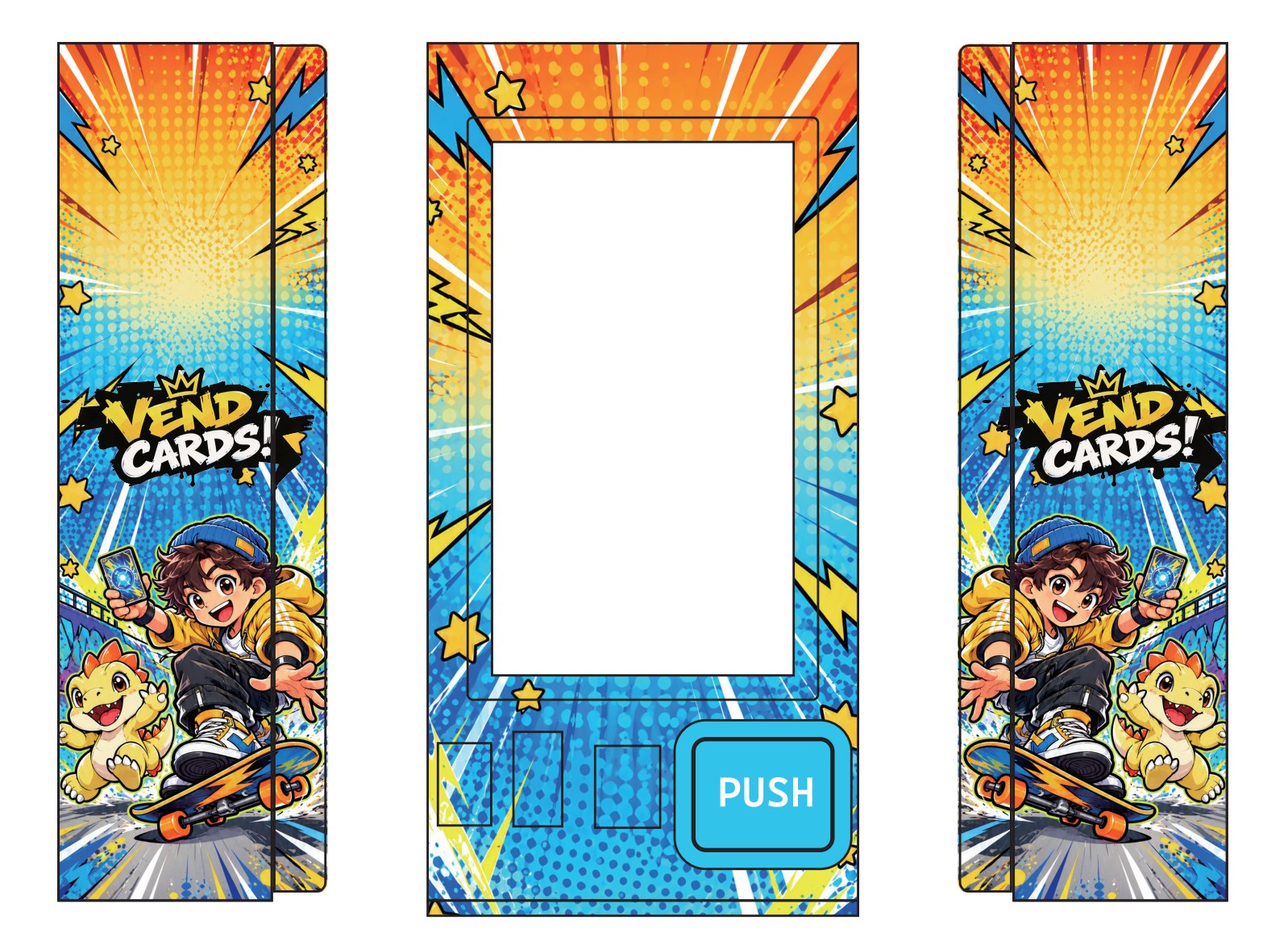
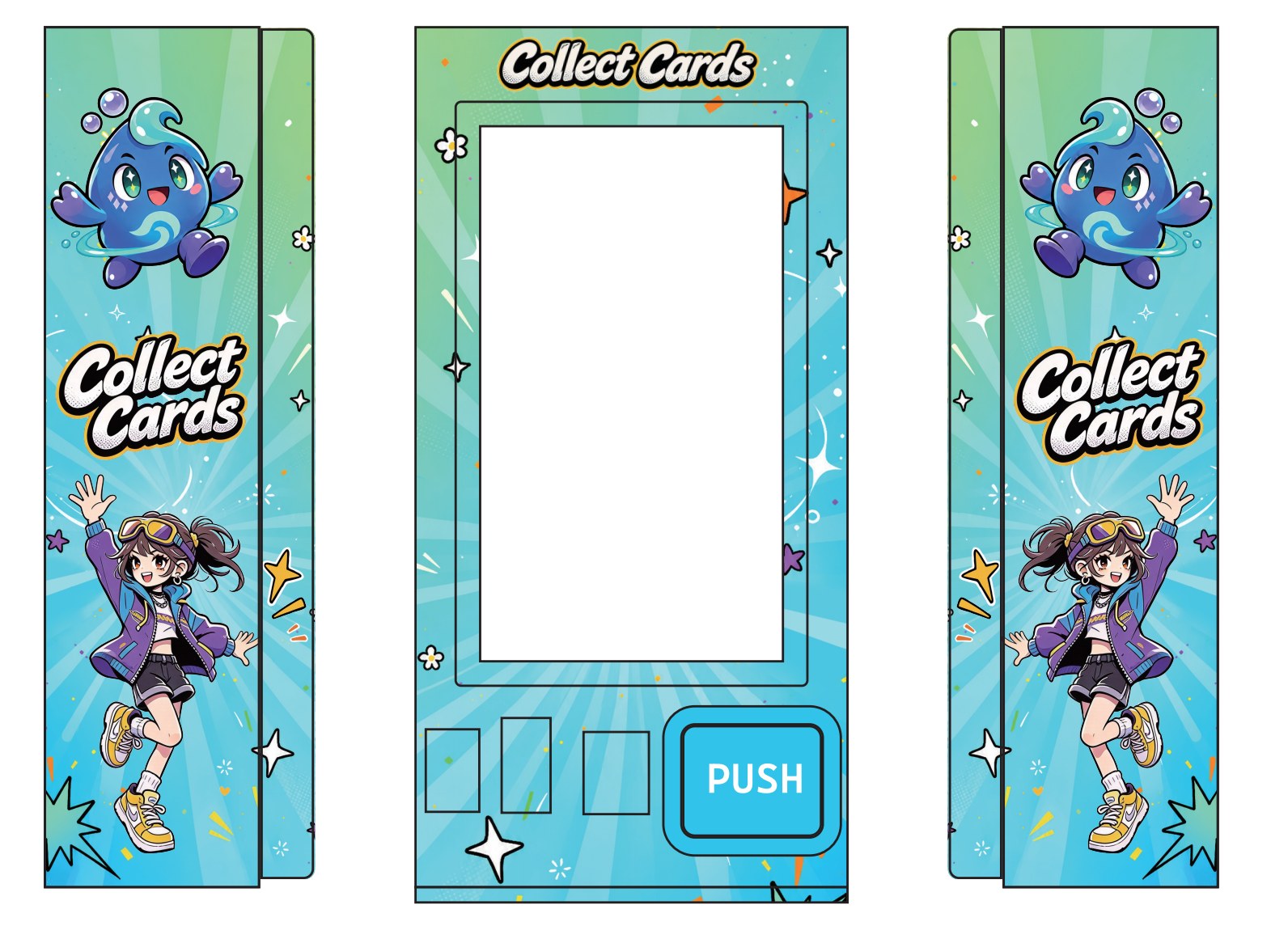
Finished wraps and touchscreen layouts on actual machines.
Trading card machines
Choose a wrap for your store.
Open a design to inspect the full front and side artwork.
Plan your setup
From your first sample to your first vend.
1. Measure your products
Measure finished retail packaging, including any seals, sleeves and protective carriers.
2. Confirm the machine
Review cabinet size, lane setup, payment hardware and any age-verification requirement.
3. Test before launch
Run checks on the first, middle and last items, then set pricing and monitor the machine in software.